
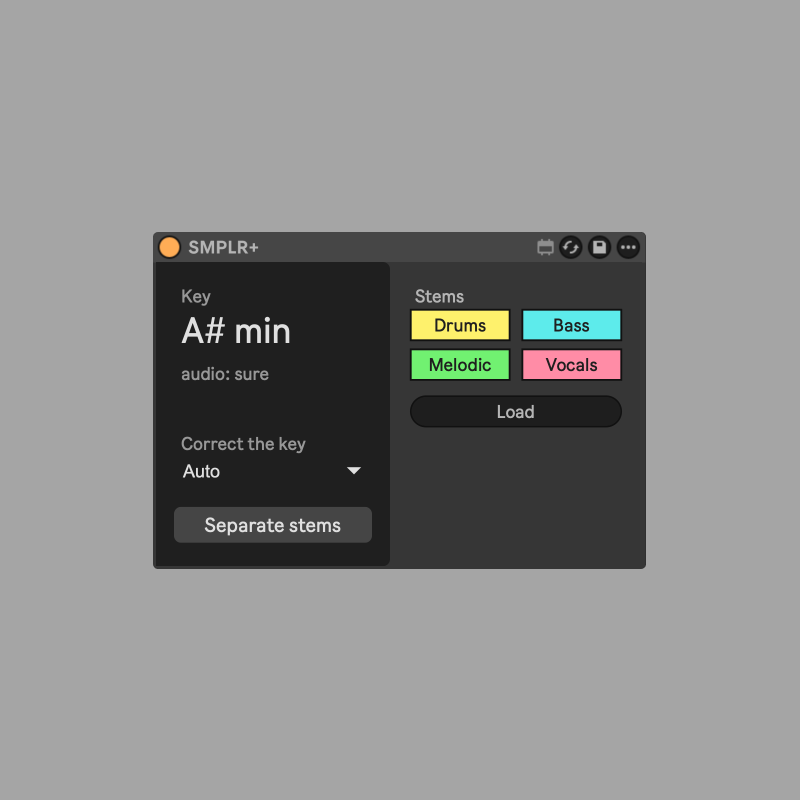
SMPLR+
Key and stems for Simpler, right where you sample.
SMPLR+ sits after Ableton's Simpler and tells you the key of the sample you loaded. One click splits it into drums, bass, melodic and vocals with Live's own Stem Separation. Pick the stems you want and drop them back into Simpler.
- Ableton Live 12.4 or later, Suite edition (Live's Stem Separation is a Suite feature), with Max for Live
- macOS (the Separate button uses macOS scripting; key detection and loading work anywhere)
- One-time macOS permission (Accessibility) for the Separate button, explained in the Read Me
Key
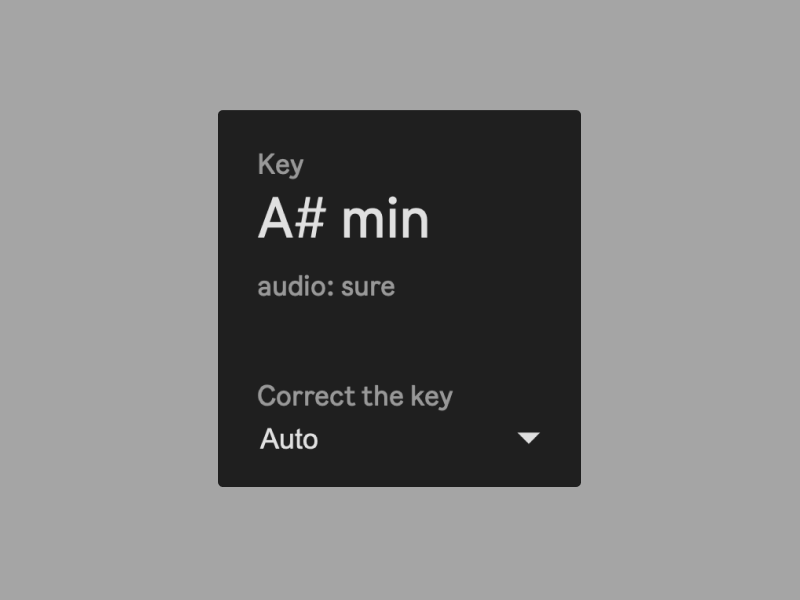
See the key of your sample the moment it loads. SMPLR+ reads a key from the file name first ("Dm", "F#m", Camelot "8A") and checks it against the audio, so a stray number in a title doesn't fool it. No key in the name? It detects it from the audio. If Simpler is transposed, you also see the key you are actually hearing. Wrong call? Correct it from the menu and it remembers.
Separate Stems
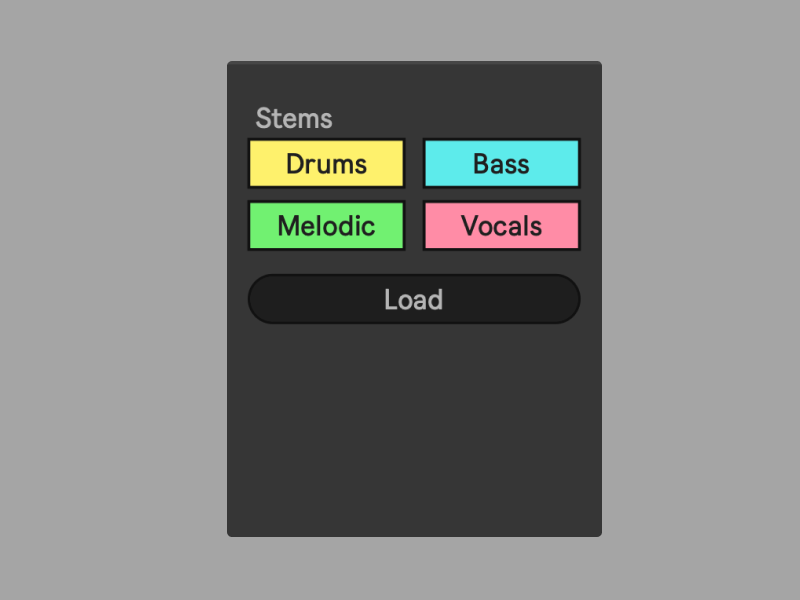
Live's own Stem Separation runs on the sample in Simpler. Drums, Bass, Melodic, Vocals. Switch on what you want to hear. One stem loads directly, two or three are mixed into a single file. Press Load and the result goes straight into Simpler.
How does it work?
The device is using Ableton's own stem seperation. No network access, no tracking, nothing leaves your machine. Stems and mixes are saved in your project's Samples/Processed/Stems folder, where Live puts its own.
When you click "Separate", the mouse pointer jumps for a moment & clicks Live's menu for you. A small helper script also installs itself the first time to make this work. When the device shows "Re-add device", remove it and add it again once.
Not affiliated with or endorsed by Ableton. "Live", "Simpler" and "Max for Live" are Ableton's trademarks.